 Family AI Lab

Parent-led AI adventures · Ages 7–12
Teach your
kids AI.
Lead the way.
A monthly project kit to explore together.
You guide the AI. They bring the big ideas.
A little project. No account. No payment card.
Less “watch this.”
More “I made this.”
14 little quests. One big “I made that.”
20–45 minutes. At your family’s pace.
You + your child. A team from the start.
A good place to begin
You don’t need
all the answers.
Just a little curiosity.
And a seat beside them.
01
Follow a little curiosity.
Pick a project that sounds like your family. A first website? A game with rules you invent? Start there.
02
Make room at the table.
Print your kit. Find a pencil. Each quest gives you a small plan, a prompt, and something to try.
03
Ask. Build. Explain.
You operate the AI. Your child makes decisions, tests the result, and tells you how it works. That’s the good part.
The project shelf
Small starts.
Big possibilities.
From a first little website to a game that’s all their own. Meet the three projects at the heart of the lab.
Find your first project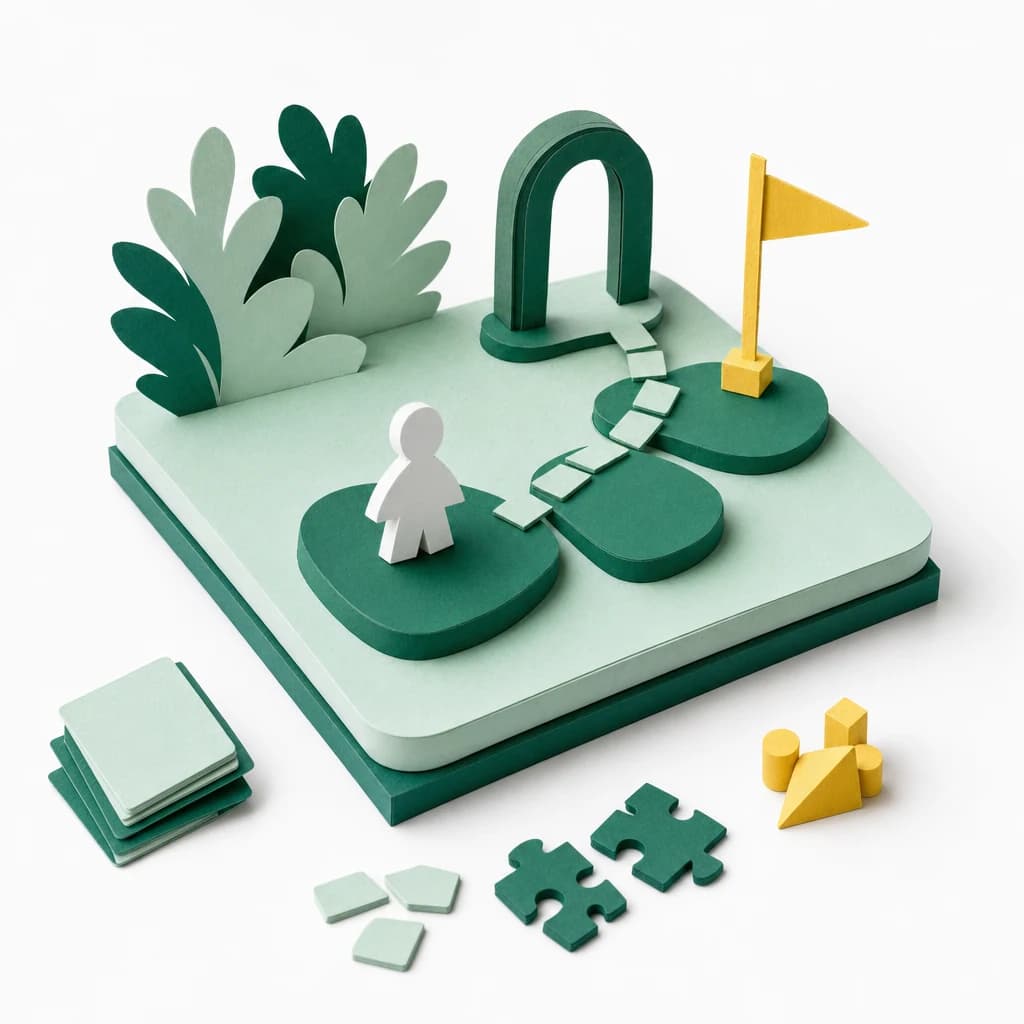
Project 02 / After Website Builder
Game Engine Secrets
Find the moving parts. Invent a small browser game.

Project 03 / After Game Engine Secrets
Launch Your Game
Polish an original game. Test it with people. Share carefully.
A growing collection. Monthly memberships are opening soon; the sample quest is ready today.
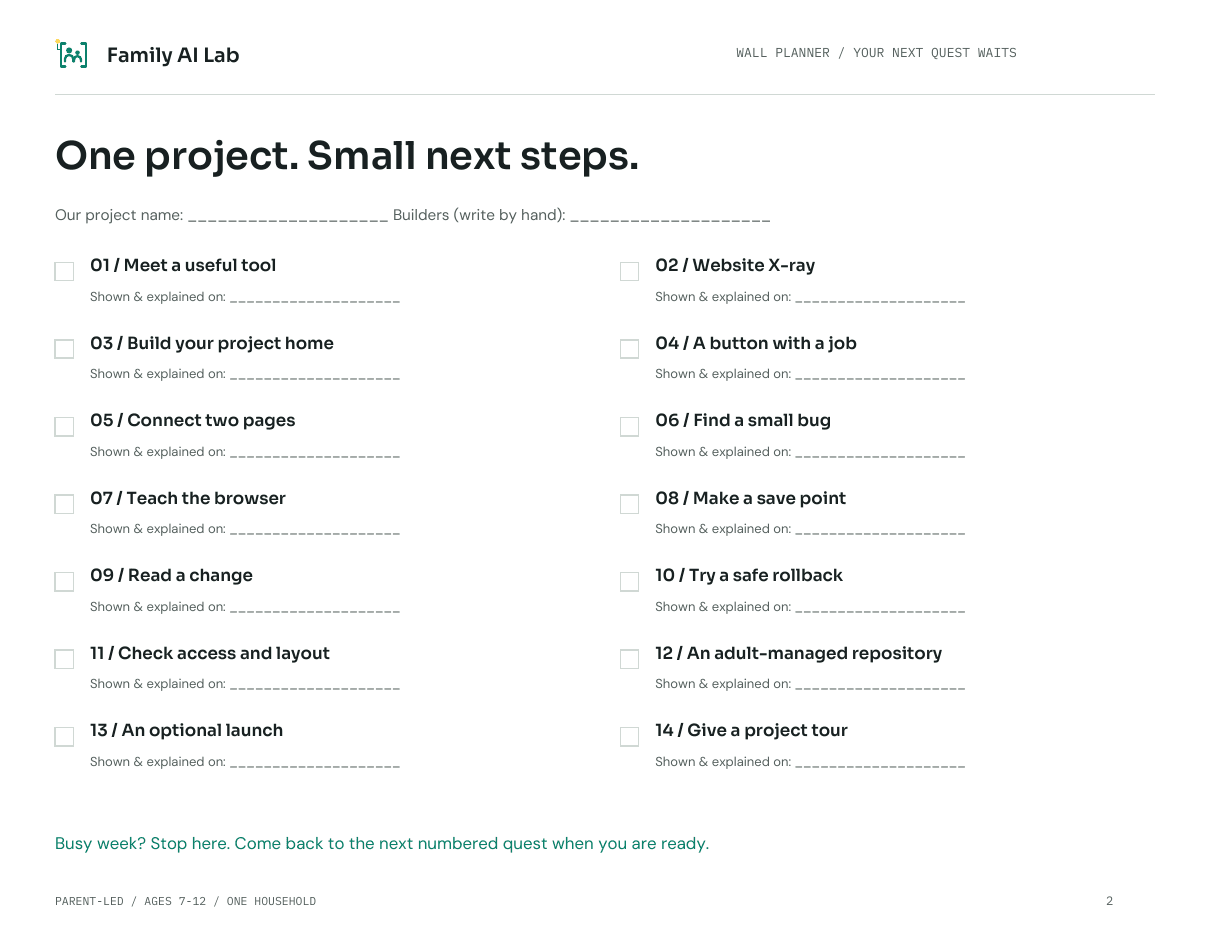
Less figuring out what’s next
A plan on paper.
Ideas off the page.
Everything has a place, so getting started feels a little easier.
- 01
14 self-paced quests
One small mission, a “Done when” check, and a Level Up.
- 02
A wall planner & reference sheets
Keep the next step and the useful bits right where you can see them.
- 03
A guide for the grown-up
What to set up, what to ask, and how to help when things get wobbly.
The grown-up is part of the adventure
You lead.
They light up.
This isn’t a chatbot to send your child off with. It’s a reason to pull up another chair.
You’re at the keyboard.
You operate the AI and review its output. Your child plans, tests, and explains.
Their thinking comes first.
A result isn’t the finish. Understanding how it works is.
Your family sets the pace.
No streaks. No catching up. The next quest waits for you.

One household. Plenty of curiosity.
Make room for
a little discovery.
A project to come back to together.
Something real to be proud of.
A computer, a printer, and an adult-selected AI tool are needed for full kits. Third-party tool costs are separate.
Print at Home
Opening soon$19.99 / month
For your household. Billed monthly when enrollment opens.
- One complete 14-quest kit per paid month
- US Letter, A4, and ink-saving editions
- Received kits stay in your family library
- Cancel future renewals from your account
No account or payment card needed for the sample.
Before you pull up a chair
Good questions.
Do I need to know how to code?
You don’t need to be a developer. You do need to sit together, operate the AI tool, review its output, and ask your child to explain what changed. The grown-up guide helps you get set up and know what to ask.
What ages are the kits for?
The projects are designed for curious kids ages 7–12 working with a parent or guardian. Each quest includes a Level Up challenge, so you can make the same project a little more ambitious.
What do we need to get started?
A computer, a printer for the full kits, paper, pencils, and a grown-up. Your adult-selected AI and coding tools have their own accounts, terms, and possible costs. The free sample needs no Family AI Lab account or payment card.
Does my child get an AI account?
No. Family AI Lab accounts are for grown-ups. The adult operates the AI; your child plans, sketches, tests, and explains. Follow each tool’s current age requirements and don’t share adult credentials with children.
How much time should we set aside?
Aim for about 20–45 minutes on a quest day. Some bigger quests take more than one sitting. The 14 quests are numbered, not dated—there are no streaks, deadlines, or penalties for a busy week.
Are memberships open yet?
Monthly memberships are opening soon. You can explore the three project kits and try a complete free sample quest today. The Print at Home plan is $19.99 per household per month when enrollment opens. Third-party tools are separate.